ixBrowser vs. MuLogin: The Smarter Choice for Modern Anti‑Detection Browsing
In 2026, the operating environment for cross-border e‑commerce and social media marketing is undergoing unprecedented upheaval. Amazon has introduced its Device Intelligence 2.0 system, expanding detection dimensions from simple IP addresses to underlying hardware features such as screen colour depth, audio driver characteristics, and even motherboard serial numbers. TikTok, in turn, has shifted its risk control focus from “static review” to “real‑time behavioural monitoring” — browsing rhythm, like intervals, and even click frequency have become key indicators for determining account authenticity. The continuous evolution of platform correlation‑detection algorithms means that traditional approaches relying solely on proxy IPs or basic fingerprint modifications are no longer effective. Industry research shows that account correlation and ban rates have reached 67%; anti‑detection tools are no longer a mere optional safety measure, but an essential core infrastructure for multi‑account operators.
Yet, as the need for anti‑detection becomes increasingly critical, many users face another real dilemma: the imbalance between performance and pricing of existing tools has become more acute. As a veteran in the fingerprint browser space, MuLogin still scores reasonably high in multi‑account security, but its high cost and outdated pricing strategy have fallen significantly behind the competitive landscape of 2026. When platform detection algorithms have advanced from “shallow feature matching” to “behavioural analysis and deep hardware fingerprinting,” relying on the inertia of established tools is no longer a safe bet. Consequently, a growing number of practitioners are re‑evaluating their current solutions and actively seeking alternatives that achieve the best balance of technical capability, user experience, and cost‑effectiveness.
II. MuLogin Overview and Main Drawbacks
MuLogin Overview
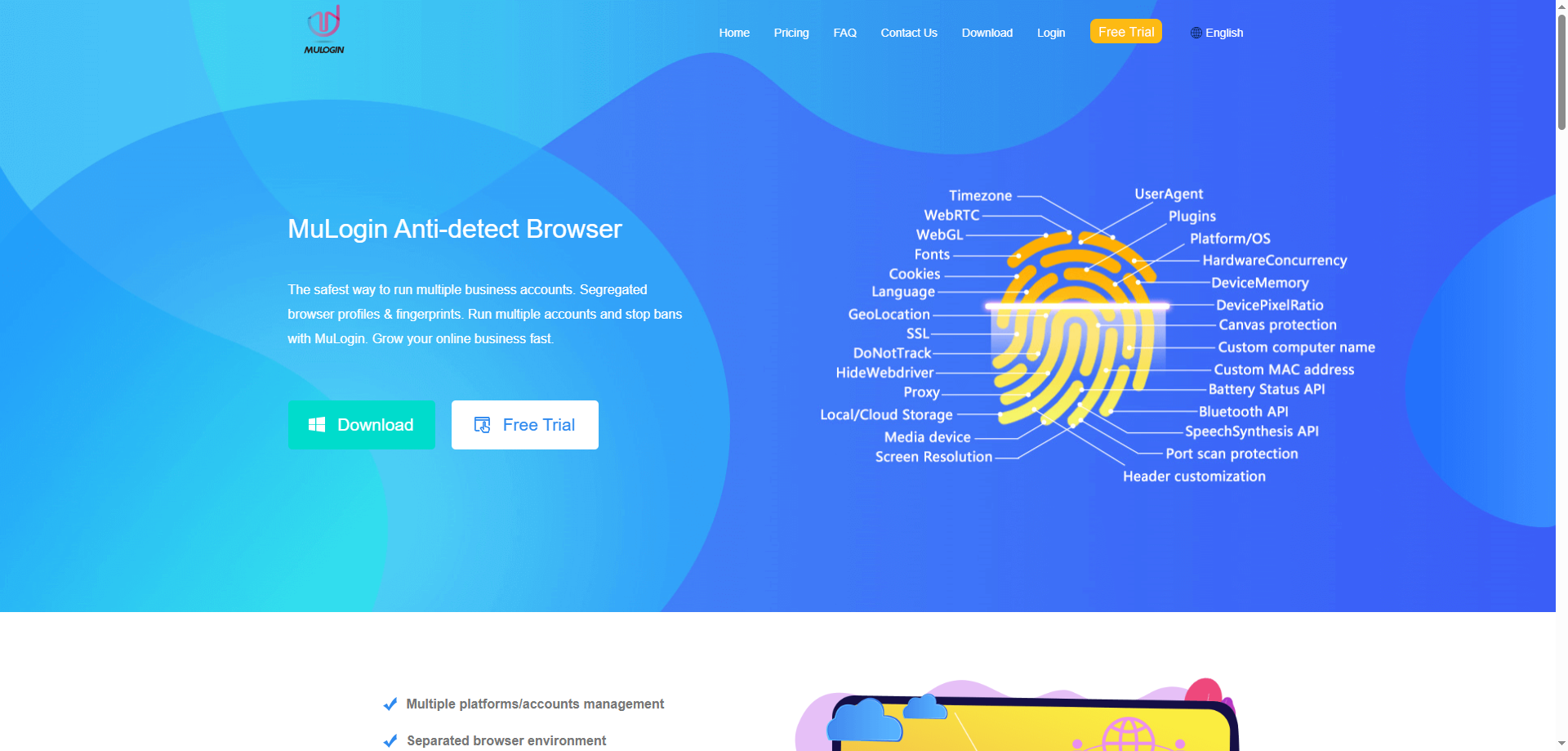
MuLogin is a fingerprint‑simulation browser that creates isolated browsing environments by modifying fingerprint parameters such as User‑Agent, Canvas, WebGL, and font lists. This allows each account to appear as if it is running on a different device and network. It supports multi‑platform, multi‑account management, browser fingerprint protection, team collaboration, and automation API calls, making it suitable for cross‑border e‑commerce, social media marketing, and ad verification.
Main Drawbacks of MuLogin
-
High price and low cost‑effectiveness. MuLogin’s entry‑level plan costs ¥399/month (storing 100 profiles), while the highest tier costs ¥3,500/month. In a comprehensive evaluation of ten major fingerprint browsers, its cost‑effectiveness score was only 7.0 out of 9.5, significantly lower than many competitors.
-
Outdated interface and poor batch operation experience. The user interface has not been updated for a long time, and batch management features are weak. For example, there is no batch operation for modifying proxy settings across dozens of profiles – each profile must be modified one by one, which is time‑consuming and tedious.
-
High barrier to automation. Although it supports automation frameworks like Selenium and Puppeteer, users need to write code themselves. It lacks a visual RPA tool, making it unsuitable for users without programming skills.
-
Slow feature iteration and insufficient capability to handle new platform algorithms. As platforms upgrade their algorithms, simple base fingerprint modifications are no longer enough to counter advanced behavioural analysis and hardware feature detection, leading to stability issues in high‑intensity operation scenarios.
-
Team collaboration features need improvement. There is no operation log, meaning team members’ actions within profiles cannot be traced. This is a significant shortcoming for enterprise users who require audit and management capabilities.
III. ixBrowser Introduction and Core Advantages
ixBrowser Introduction
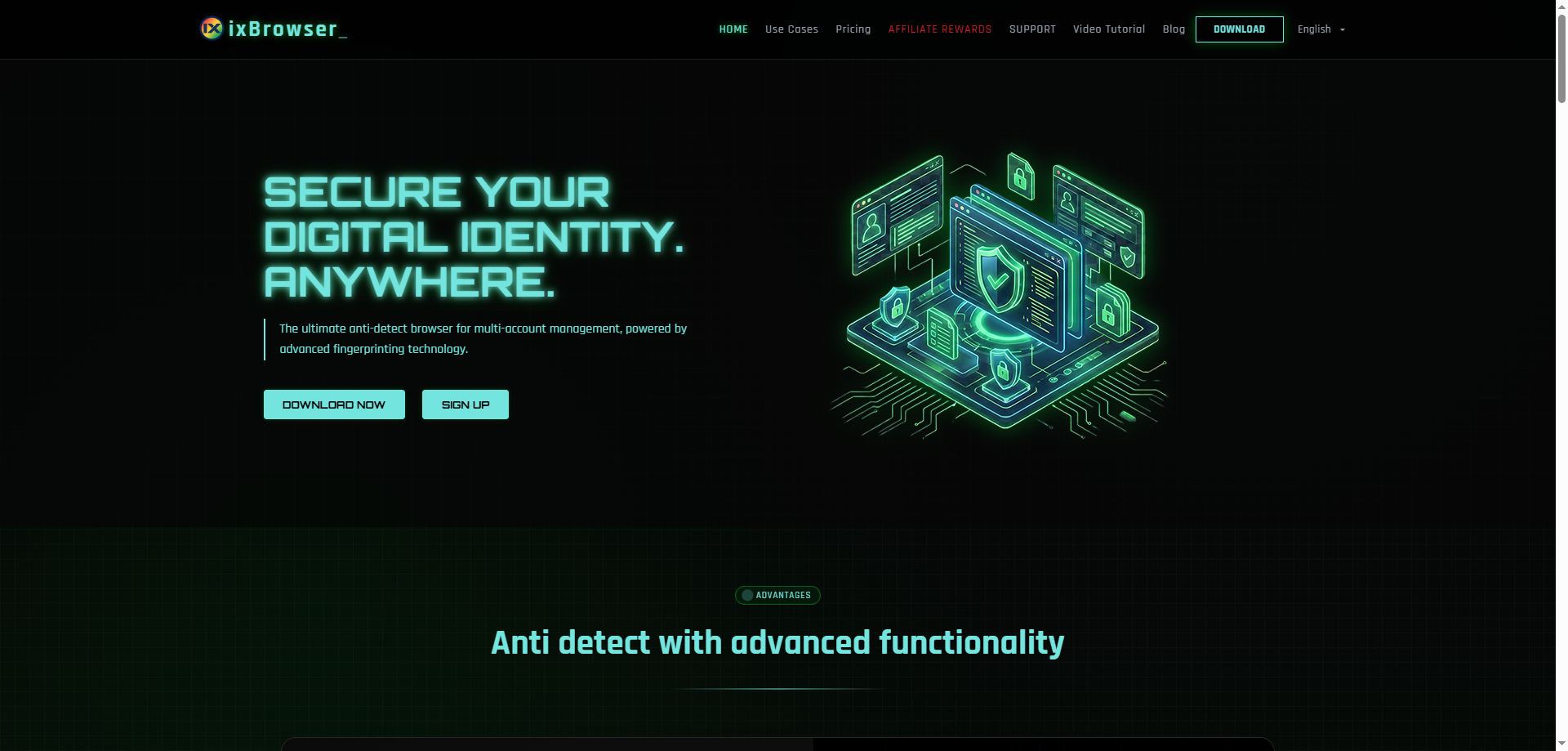
ixBrowser is an anti‑detection browser focused on multi‑account security management. Using fingerprint isolation technology, it helps users create independent browser profiles for each account. Its core features include customisable digital fingerprint parameters (UserAgent, timezone, WebRTC, etc.), cloud storage, team collaboration permission settings, cookie management, and batch operations. ixBrowser provides the same fingerprint and IP dual‑isolation protection to all users. The free version meets the anti‑detection needs of more than 95% of users. The paid version unlocks advanced features and is suitable for social media matrix operations, multi‑store management in e‑commerce, traffic arbitrage, and more.
Core Advantages of ixBrowser Compared to MuLogin
-
Significantly better pricing – a feature‑complete free version is available. ixBrowser offers a permanent free version, which includes unlimited browser profiles, 10 profile creations per day, and 100 launches per day – sufficient for most individual users and small teams. Paid plans start at only $3.99/month, and Professional and higher plans provide higher daily creation and launch limits. Compared to MuLogin’s minimum entry cost of ¥399/month, ixBrowser’s cost advantage is exceptionally clear.
-
No compromise on fingerprint technology – security and detection‑bypass ability are identical across free and paid plans. ixBrowser’s free version and paid versions use the same fingerprint technology, both offering complete IP and fingerprint dual isolation. Its fingerprint environments pass third‑party detection sites such as Pixelscan and iphey with very high success rates, effectively simulating real device characteristics and ensuring each account has a secure, independent fingerprint environment.
-
Modern interface and efficient batch management. Unlike MuLogin’s outdated interface, ixBrowser features a modern UI and supports efficient batch operations such as creating, editing, and checking profiles in bulk. Bulk operations cover window list processing, proxy testing, and profile import/export, dramatically improving multi‑account management efficiency.
-
Mature team collaboration with flexible and transparent permission management. ixBrowser supports fine‑grained role‑based permission assignment. Team members can share profiles and proxies while maintaining clear permission controls. Profiles and proxies of different members can be easily shared and transferred, facilitating large‑scale team cooperation.
-
Timely kernel updates – keeps pace with evolving platform detection mechanisms. ixBrowser maintains a high frequency of technical iterations. It has recently upgraded to the Chromium 145 kernel and added fine‑grained fingerprint settings such as WebRTC forwarding and UDP disabling. This ability to rapidly follow mainstream browser kernel advancements ensures that ixBrowser can continuously counter evolving platform detection algorithms.
-
Excellent Chinese user support and responsive customer service. Compared to MuLogin, which mainly targets the international market and has relatively weaker Chinese support, ixBrowser provides comprehensive localised support and a responsive customer service system for Chinese users. For domestic practitioners, this results in a much smoother user experience.
IV. Conclusion
Overall, MuLogin, as an early pioneer in the anti‑detection browser field, has accumulated brand awareness and fingerprint technology stability. However, its high pricing, outdated interface, weak batch management, and limited Chinese user support have made it increasingly less competitive in today’s crowded fingerprint browser market. For individual users, small and medium‑sized enterprises, and professional teams sensitive to cost, MuLogin’s high barrier often exceeds practical budgets.
In contrast, ixBrowser has precisely targeted the market with a product philosophy of “a free version that works for most, and a paid version that goes even further.” While delivering the same level of fingerprint security, it offers a more competitive pricing system, a modern operational experience, efficient and flexible team collaboration, and timely kernel updates. For users actively looking for a MuLogin alternative, ixBrowser is undoubtedly a high‑quality option worth serious consideration.